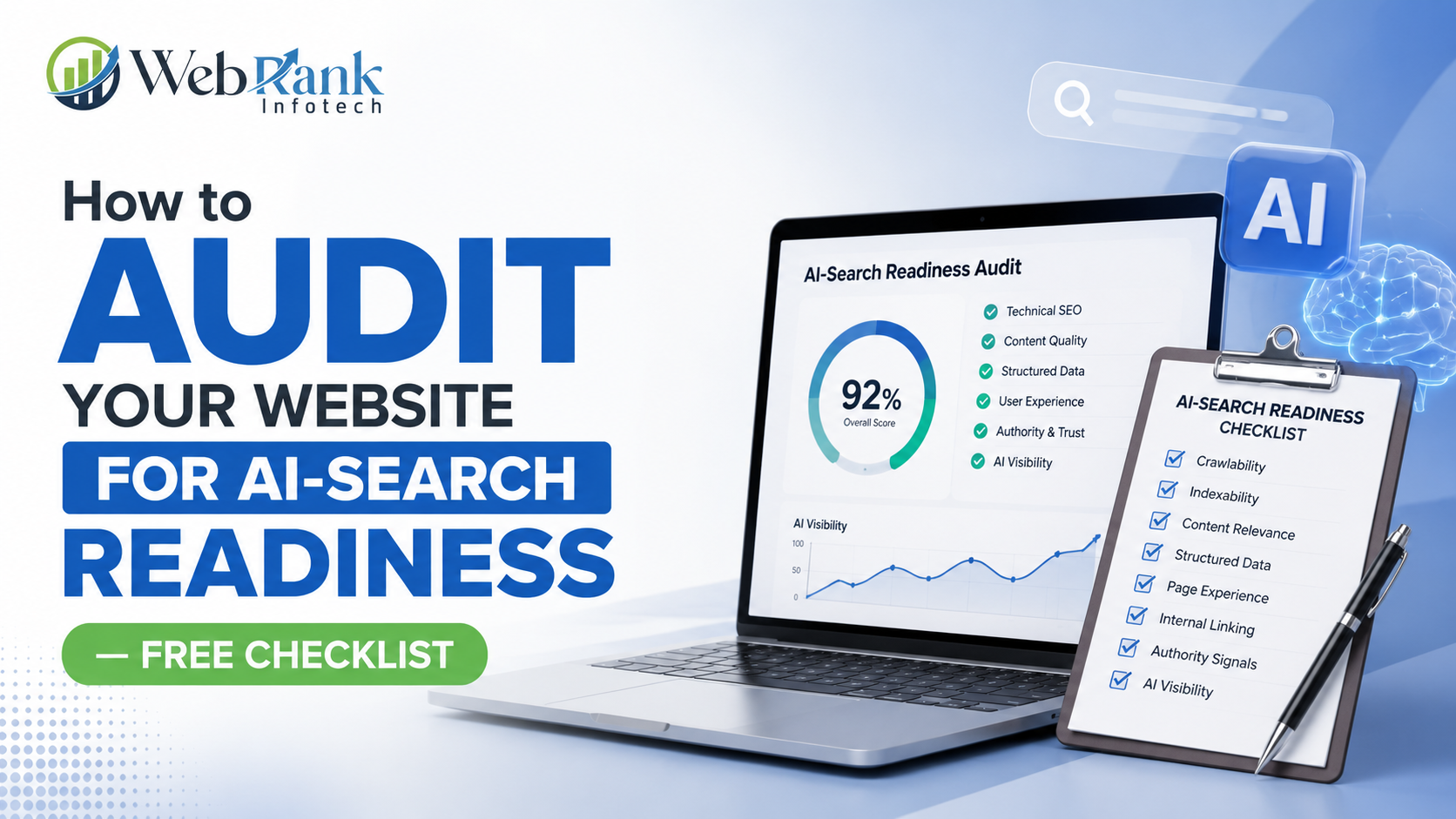
How to Audit Your Website for AI-Search Readiness — Free Checklist
Here’s the short version: an AI-search readiness audit checks whether a website can be crawled, understood, and cited by AI systems like ChatGPT, Perplexity, and Google AI Overviews — and it comes down to seven checkable things: crawlability, answer-first content, structured data, entity clarity, topical depth, trust signals, and actual visibility testing. Below is the full step-by-step audit process, a free checklist table to run through page by page, and a scoring rubric to see exactly where a site stands today. What Does “AI-Search Ready” Actually Mean for a Website? A website counts as AI-search ready when an AI system can access its content, understand what each page is actually about, and confidently use that content inside a generated answer without needing to guess. This is a different bar than traditional SEO, which mainly asks whether a page ranks. AI-search readiness asks whether a page gets retrieved, correctly interpreted, and selected for citation — three separate hurdles a page can fail even while ranking well in traditional search. Most websites built for traditional SEO already clear part of this bar without realizing it, since solid technical SEO, clear content structure, and topical authority all carry over. What’s usually missing is the layer built specifically for machine extraction — structured data, answer-first formatting, and consistent entity signals that remove ambiguity for an AI system deciding what to cite. In short: AI-search readiness measures whether content can be found, understood, and confidently cited by AI systems, building directly on top of traditional SEO rather than replacing it. How Do You Audit Your Website for AI-Search Readiness? This is the exact seven-step sequence worth running through, in order, since each step depends on the one before it — a page that fails crawlability, for example, makes every later step irrelevant until that’s fixed. Step 1: Check If AI Crawlers Can Actually Access the Site Before anything else, confirm that important pages aren’t blocked from AI crawlers through robots.txt rules, that critical content isn’t hidden behind heavy client-side JavaScript rendering, and that XML sitemaps only contain clean, live URLs without redirect chains. A page an AI crawler can’t fully access never makes it into consideration for citation, regardless of content quality. Step 2: Test Whether Pages Answer Questions Directly Open the key pages on the site and check whether the core question a visitor came to answer gets addressed within the first two to three sentences, in plain language. Pages that bury the actual answer under a long brand introduction give AI systems nothing extractable near the top, which usually means a competitor’s more direct page gets cited instead. Step 3: Check for Structured Data and Schema Markup Review whether key page types — services, FAQs, local business listings, products — have appropriate schema markup implemented. Structured data removes the guesswork an AI system would otherwise have to do about what a page represents. Schema.org documents the exact markup types available and how to implement them correctly for each content type. Step 4: Review Entity Clarity and NAP Consistency Search the business name and confirm that name, address, and phone number match exactly across the website, Google Business Profile, directories, and social platforms. Inconsistent entity data creates conflicting signals that push AI systems toward a competitor with cleaner, more consistent information. Step 5: Evaluate Topical Depth and Content Coverage Check whether a topic is covered through a single isolated page or through a connected cluster of pages that address different angles of the same subject, linked together clearly. AI systems tend to trust sources demonstrating full topic coverage over single surface-level posts written to chase one keyword. Step 6: Check Trust and E-E-A-T Signals Review whether pages show visible author credentials, first-hand experience, specific real-world examples, and outbound links to credible sources where relevant. Generic, unattributed content reads as low-trust to AI systems, which tend to favor sources that demonstrate clear expertise and experience over generic advice. Step 7: Test Actual Visibility Across AI Platforms Search the exact questions a customer would ask directly in Google, ChatGPT, and Perplexity, and note whether the business gets cited, ignored, or replaced by a competitor. This step closes the loop — the previous six steps are diagnostic, but this step confirms whether fixes are actually translating into real citations. In short: a full AI-search readiness audit runs through crawlability, answer-first content, structured data, entity clarity, topical depth, trust signals, and real visibility testing in that order, since each layer depends on the one before it working correctly. What Should You Prioritize First When Auditing a Large Website? Auditing an entire website at once rarely works well, especially for larger sites with dozens or hundreds of pages. The smarter approach is prioritizing the pages that matter most first — typically core service pages, high-traffic blog posts, and any page currently getting outranked or out-cited by a specific competitor. These pages usually offer the clearest return on audit effort, since improvements there are the easiest to measure and justify. Once priority pages are fixed, the same process can expand outward to supporting content and the rest of the site. Trying to fix everything simultaneously usually means nothing gets fixed well, while a prioritized approach shows measurable movement faster. In short: start an AI-search readiness audit with the highest-value pages — core services and top-performing content — before expanding to the rest of the site, since this delivers faster, more measurable results. How Does Local SEO Fit Into an AI-Search Readiness Audit? Local SEO overlaps heavily with AI-search readiness for any business serving a specific geographic area. Google Business Profile completeness, consistent local citations, and genuine review activity all feed directly into how confidently an AI system can identify and recommend a local business for “near me” and location-based queries. A business already investing properly in local SEO is frequently much closer to AI-search readiness than it realizes, since the same clean, consistent data that supports local rankings also supports AI citation. Auditing this layer means checking that every
How to Audit Your Website for AI-Search Readiness — Free Checklist Read More »